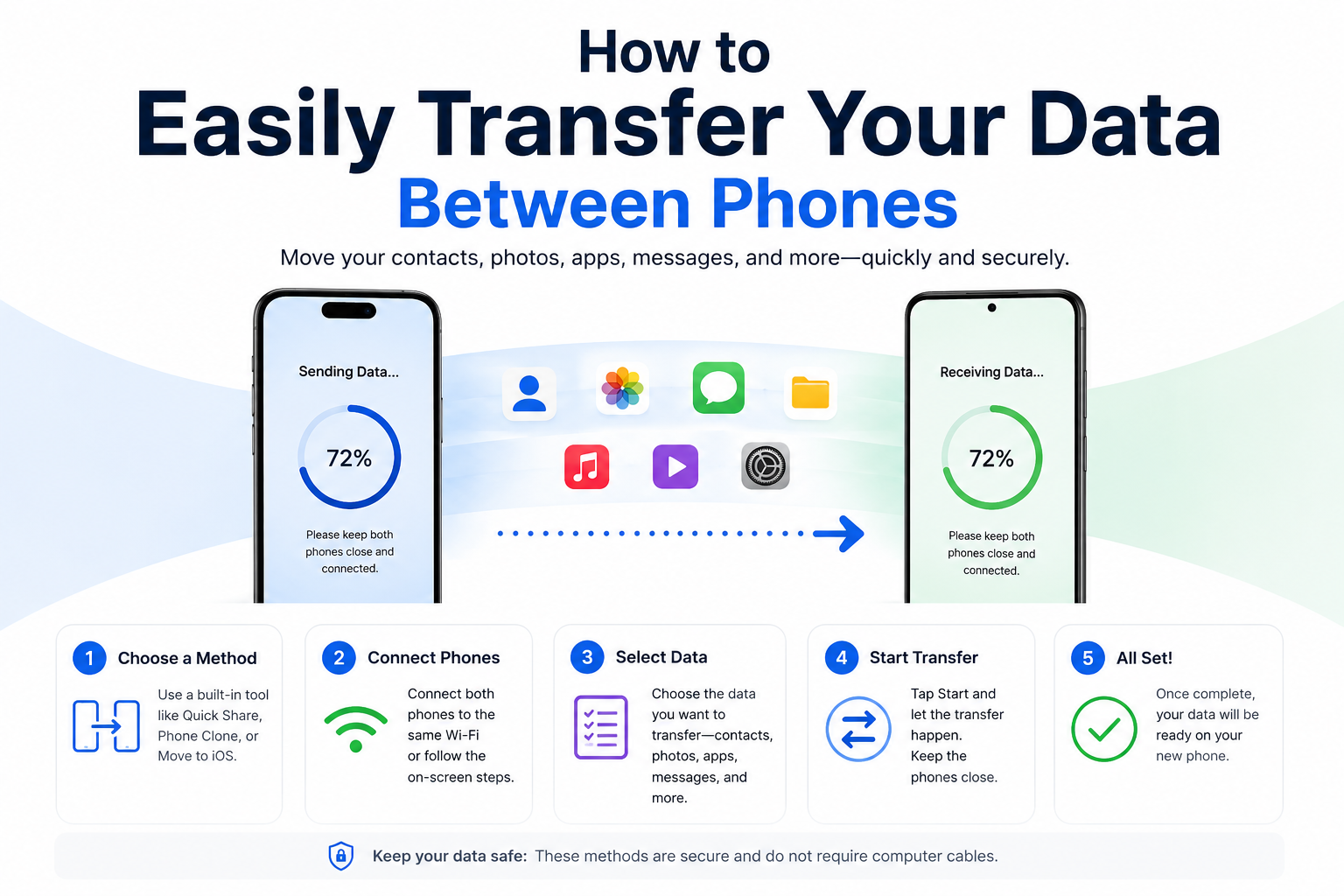
Getting Started
Transferring data between phones doesn't have to be complicated or time-consuming. Whether you're upgrading to a new device or switching platforms, Copy My Data makes the process fast, easy, and secure. In this guide, we'll walk you through everything you need to know.
Before You Begin
Make sure both of your phones are charged and connected to a stable Wi-Fi network. Here are a few things to prepare:
- Update both phones to the latest iOS version
- Back up important data to cloud storage
- Have both phones available for the transfer process
- Clear some storage space on your new phone
Step-by-Step Instructions
Follow these simple steps to transfer your data:
- Download the App: Install Copy My Data on both your old and new phones from the App Store.
- Launch the App: Open Copy My Data on both devices simultaneously.
- Select Source Phone: On your old phone, select "I'm the old phone" to mark it as the source.
- Select Destination Phone: On your new phone, select "I'm the new phone" to mark it as the destination.
- Choose What to Transfer: Select which data you want to move - contacts, photos, files, or all of the above.
- Start Transfer: Press the transfer button and wait for the process to complete.
What Gets Transferred
Copy My Data can transfer:
- Contacts: All your phone contacts with names, numbers, and email addresses
- Photos: Full resolution photos and videos from your camera roll
- Files: Documents, PDFs, and other important files
- Messages: SMS and iMessage conversations (where supported)
Tips for Success
To ensure the smoothest transfer experience:
- Keep both phones connected to Wi-Fi throughout the entire process
- Don't use other apps while the transfer is in progress
- Have sufficient storage available on your new phone
- If the transfer is interrupted, you can resume it without losing progress
Troubleshooting
If you encounter any issues during the transfer:
- Connection Issues: Make sure both phones are on the same Wi-Fi network
- Storage Full: Delete unnecessary files to free up space on your new phone
- Transfer Stuck: Restart both apps and try again
- Still Having Problems: Contact our support team for assistance
Conclusion
Transferring your data has never been easier. With Copy My Data, you can move everything you need from your old phone to your new one in just minutes. No complicated setup, no data loss, just simple and secure data transfer.
Ready to get started? Download Copy My Data today and experience the easiest data transfer on the App Store.